Key takeaways
Fill, sign, and submit EPF & EPS Nomination from any browser — or have AI generate a custom version in seconds. No installs, no printing, no back-and-forth.
- The Nomination and Declaration Form for EPF and EPS allows employees in India to designate beneficiaries for provident fund and pension benefits.
- Employees working in India must complete this form to ensure their benefits are distributed to chosen nominees upon their death.
- The document requires personal details of the employee and specific information about family members or other individuals being nominated.
- The employee must provide their signature or thumb impression to validate the nomination and declaration details.
- A representative of the employer must certify the document by signing the designated Employer Certification section.
- No specific filing deadline is established for this form, but it remains a critical document for employee benefit management.
What is EPF & EPS Nomination?
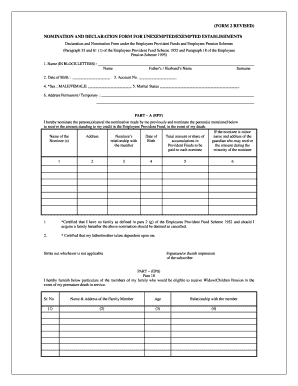
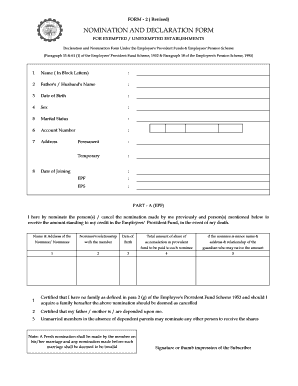
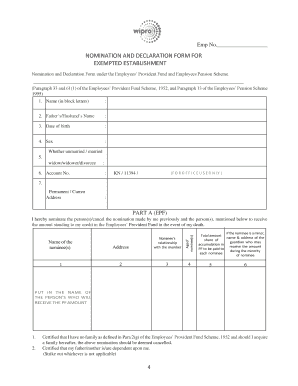
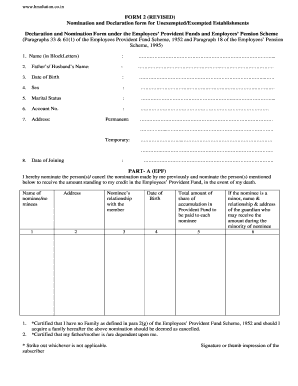
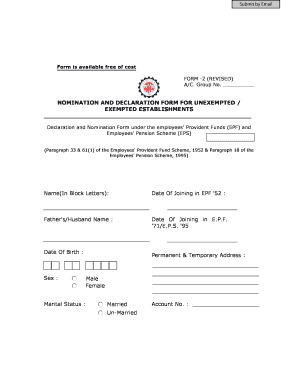
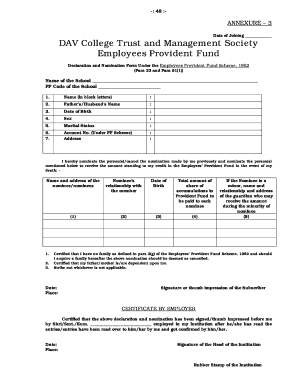
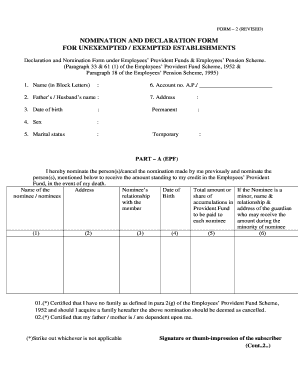
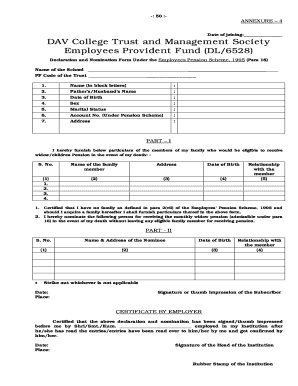
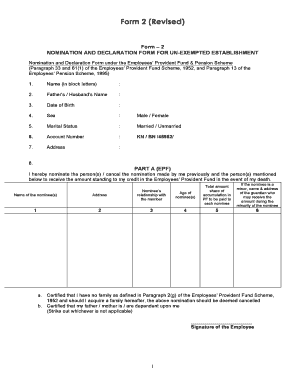
Nomination and Declaration Form for EPF and EPS is a document used by employees in India to nominate individuals to receive their provident fund and pension in the event of their death. This declaration form epf eps allows an employee to provide personal details and name family members or other individuals as beneficiaries for these programs. It serves as a record of the employee's nominated beneficiaries for their provident fund and pension.
The structure of the document includes a section for employee details and nomination where the subscriber must enter their name in block letters. This part of the form requires the signature or thumb impression of the employee as part of the nomination process. Additionally, the form contains a section for employer certification. This section requires that the employer certify the form as part of the document's necessary requirements.
The issuing authority for this form is not specified.
Who needs the EPF & EPS Nomination — and who doesn't
Not everyone files EPF & EPS Nomination. The checklist below tells you whether it applies to your situation — and points you to the right alternative if it doesn't.
You need this EPF & EPS Nomination if…
- You are an employee in India who needs to designate beneficiaries for your provident fund.
- You wish to nominate specific individuals to receive your pension benefits in the event of your death.
- You must provide a formal declaration of your personal details and family information to your employer for record-keeping.
You do not need this EPF & EPS Nomination if…
- You do not hold employment in India and are not a member of these specific benefit schemes.
- You have already filed a valid nomination and do not need to update your beneficiary information.
Why you need the EPF & EPS Nomination
Why people fill out EPF & EPS Nomination, and what tends to go wrong when they don't.
-
Secure Family Benefits Completing this form ensures that your provident fund and pension benefits are distributed according to your wishes, providing financial security for your family members or nominated individuals in your absence.
-
Official Employer Certification The document requires certification from your employer, validating your personal details and nomination choices. This formal verification ensures the document is recognized and processed correctly within your organization's records.
-
Clear Benefit Allocation Use the nomination sections to specify exactly who should receive your funds. This clarity prevents future disputes and simplifies the claim process for your beneficiaries during a difficult time.
-
Secure Digital Management Complete and sign this form using pdfFiller for a streamlined digital process. The platform provides secure encrypted storage and is SOC 2 compliant, ensuring your sensitive nomination data remains protected.
What each section of EPF & EPS Nomination means
Every section explained — what it's asking, the records you'll need on hand, and the mistakes that most often cause a rejection or follow-up request.
| Employee Details and Nomination | Provide your full name in block letters and identify the nominees for your provident fund and pension. This section also requires your signature or thumb impression. |
|---|---|
| Employer Certification | This section is reserved for the employer to certify the document. It requires the employer's signature to validate the employee's personal details and beneficiary nominations. |
How to fill out EPF & EPS Nomination using pdfFiller
A walkthrough from the first field to the signature line. With your records in front of you, most people finish in under ten minutes.
-
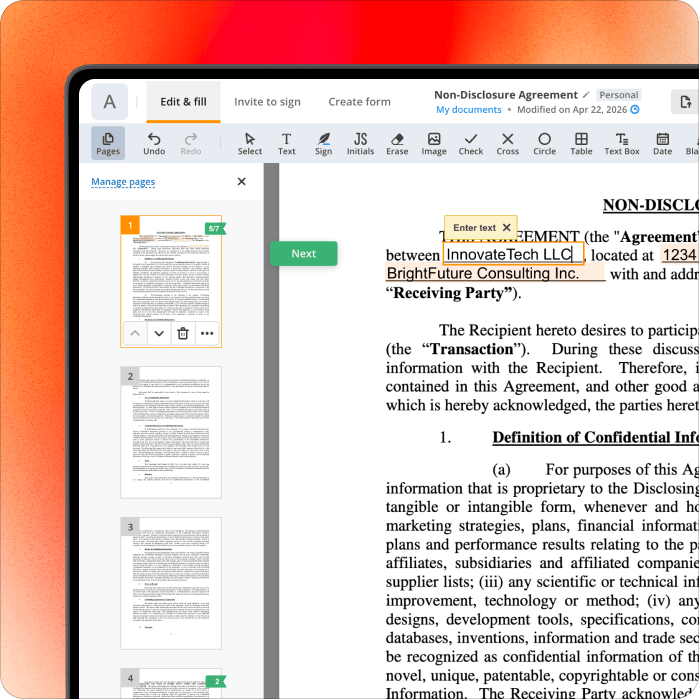
Open the Form Click Get Form to open the Nomination and Declaration Form for EPF and EPS in the pdfFiller editor to begin the digital completion process immediately from your browser.
-
Enter Personal Details Select the text fields in the Employee Details section to type your name in block letters and provide any other requested personal identification information within the online editor.
-
Specify Your Nominees Click into the nomination table to list family members or other individuals, ensuring you accurately input their specific details for receiving provident fund and pension benefits upon death.
-
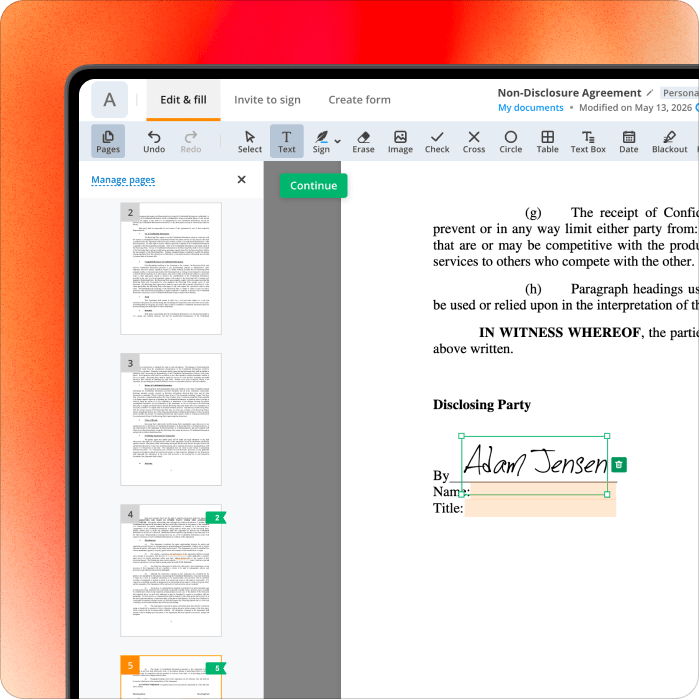
Sign as Subscriber Use the Sign tool to create a legally binding e-signature or upload a digital thumb impression, then place it in the subscriber signature field on the document.
-
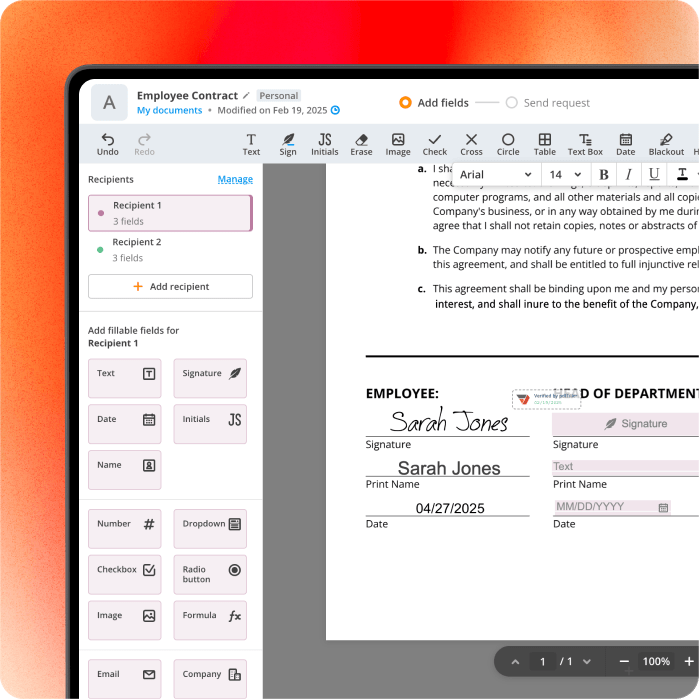
Facilitate Employer Certification Utilize the Share feature to send the document to your employer, allowing them to complete the required certification section and add their signature electronically from any device.
-
Review for Accuracy Carefully check all entries in the nomination form epf eps for accuracy before saving the finished PDF to your secure account or downloading it for your personal records.
-
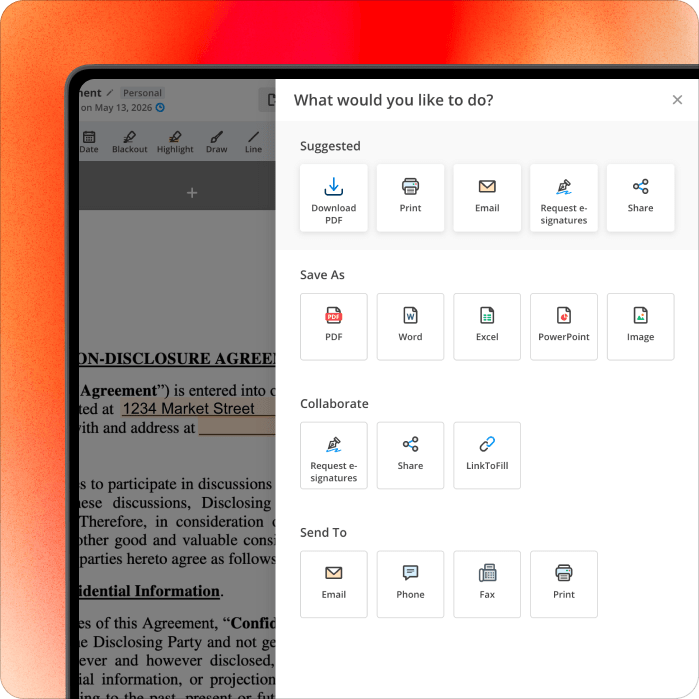
Distribute the Form Send the completed declaration form epf eps directly to relevant recipients via email or fax, or generate a secure link to share the finalized document with necessary stakeholders.
-
Secure Your Data Benefit from pdfFiller’s secure encrypted storage and GDPR compliance, which keeps your sensitive employment and pension nomination data protected throughout the entire form management and storage lifecycle.
Related content
The forms, guides, and worksheets most filers reach for alongside EPF & EPS Nomination.
Key terms used in EPF & EPS Nomination
A one-sentence glossary of the EPF & EPS Nomination terms and concepts you'll see throughout this guide.
- Subscriber
- The employee in India who provides personal details and a signature or thumb impression on the nomination form.
- Nominee
- A family member or individual designated by the employee to receive provident fund and pension benefits after their death.
- EPF
- A provident fund for which an employee in India designates beneficiaries to receive benefits in the event of death.
- EPS
- A pension scheme for which an employee in India designates beneficiaries to receive benefits in the event of death.
- Employer Certification
- A section of the document that requires the employer to certify the employee's nomination and declaration details.
Frequently asked questions about EPF & EPS Nomination
Quick answers to the questions we hear most often about completing the EPF & EPS Nomination.
The Nomination and Declaration Form for EPF and EPS (Nomination and Declaration Form for the Employees' Provident Fund and Employees' Pension Scheme) is used by employees in India to nominate individuals to receive their provident fund and pension benefits in the event of their death. This document ensures that the accumulated funds and pension rights are transferred to the designated family members or other chosen individuals according to the employee's wishes.
Employees in India who participate in provident fund and pension schemes are required to use this form to declare their nominees. It serves as a formal record for the distribution of benefits, allowing the subscriber to specify who should receive the funds and in what proportion, ensuring legal clarity for the employer and the authorities.
The Employee Details and Nomination section requires the subscriber's name in block letters and the personal details of the nominated individuals. You must provide the names and addresses of the nominees who will receive the provident fund and pension benefits, and the section must be authenticated with the signature or thumb impression of the subscriber.
The employer must certify the Nomination and Declaration Form for EPF and EPS by signing the designated Employer Certification section. After the employee has filled out their personal details and nomination preferences, the employer's signature is required to verify the information provided by the employee before the document is considered complete.
You can use pdfFiller to fill out, edit, and sign the Nomination and Declaration Form for EPF and EPS directly in your web browser. This online platform allows you to add a legally binding e-signature, share the document with your employer for their certification, and securely store the completed PDF in encrypted storage that complies with GDPR and SOC 2 standards.
The Nomination and Declaration Form for EPF and EPS does not require notarization to be considered valid. The document is officially authenticated through the signatures of the employee and the certification of the employer. Ensuring both parties sign the form is sufficient for the legal declaration of nominees for provident fund and pension benefits.